CO2 Laser Cutter: A Beginner's Guide to Your First Machine
CO2 vs diode, what it can cut, and the three best desktop machines for beginners.
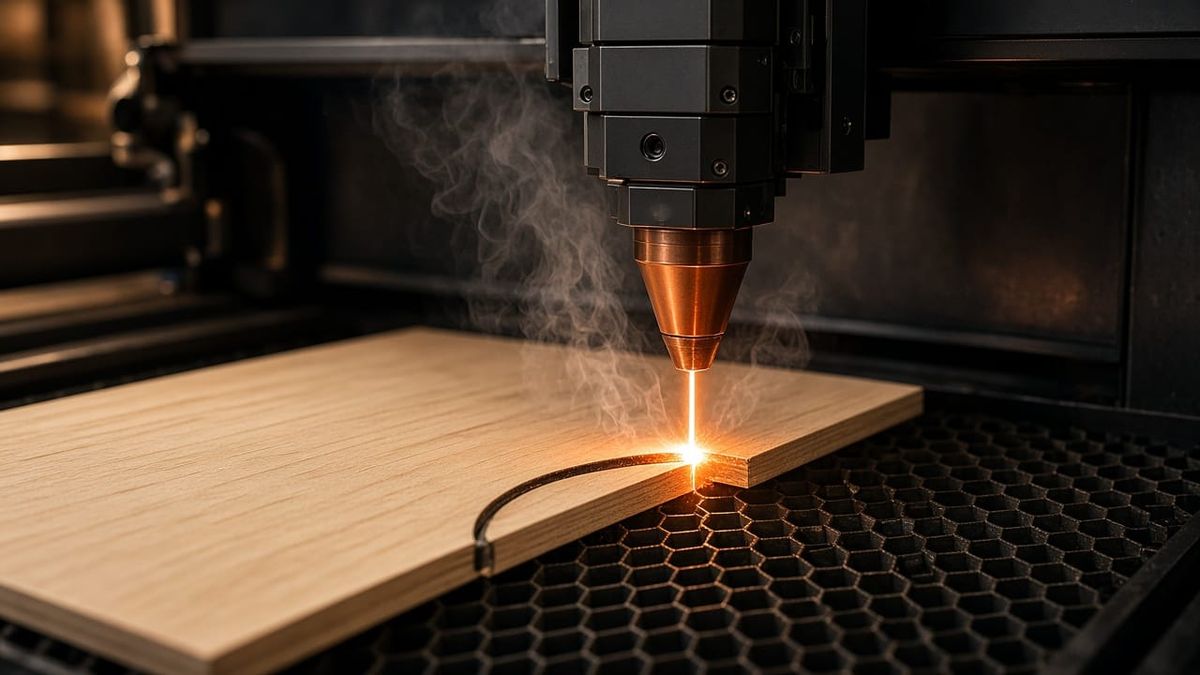
If you already own a 3D printer, a laser cutter is the most natural next tool. A CO2 laser cutter does what FDM can't: slice through 20 mm acrylic in one pass, engrave photos onto wood, and cut leather patterns with zero blade wear. This guide covers how CO2 laser cutting works, which materials it handles, and which desktop CO2 laser cutter is worth your money in 2026.
How Does a CO2 Laser Cutting Machine Work?
A CO2 laser cutting machine generates a beam inside a sealed glass tube filled with carbon dioxide gas. Mirrors bounce that beam through a focusing lens, which concentrates it into a spot as small as 0.11 mm. That concentrated energy vaporizes material along the beam path.
The same machine handles both cutting and engraving. CO2 laser cutting uses high power at slow speed to slice through material completely. Engraving uses lower power at high speed to etch the surface without cutting through. You control this by assigning different power and speed settings to different layers in your design file.
The CO2 wavelength (10,600 nm) is absorbed efficiently by organic materials like wood, acrylic, leather, and fabric. That's why CO2 dominates non-metal cutting.
CO2 vs Diode Laser: Which One Do You Need?
This is the first decision every beginner faces. Here's the short version:
| Feature | CO2 Laser | Diode Laser |
|---|---|---|
| Power | 40–80W | 5–20W |
| Price | $1,500–$7,000 | $200–$600 |
| Cuts clear acrylic | ✅ Single pass | ❌ Cannot |
| Cuts 10mm+ wood | ✅ Clean, single pass | Barely, multiple passes |
| Engraves metal | Coated metal only | Some bare metals |
| Enclosure | Fully enclosed (Class 1) | Usually open frame |
| Ventilation | Required | Recommended |
Bottom line: If you only engrave small items, a diode laser is enough. If you want to cut through wood and acrylic (especially clear acrylic), you need a CO2 laser. The choice is similar to picking between a resin and filament 3D printer: different tools for different jobs.
What a CO2 Laser Can Cut (and What It Cannot)
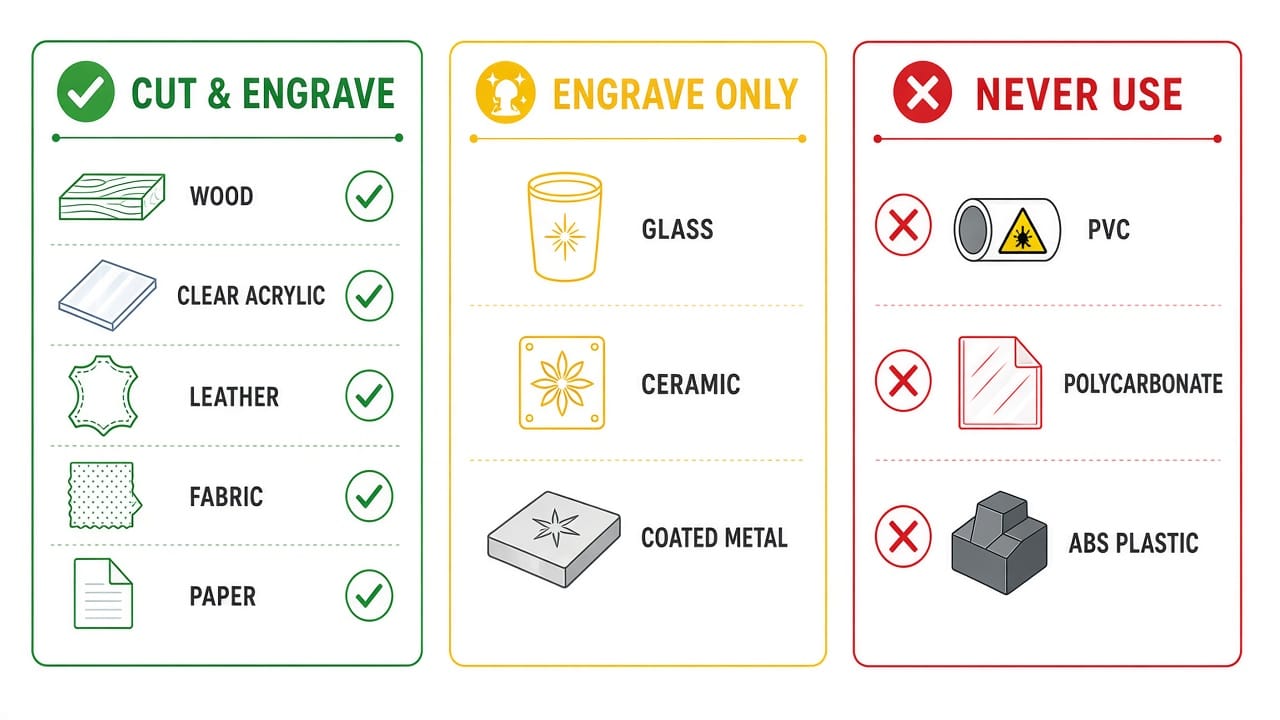
Cut and Engrave
- Wood: pine, walnut, birch, plywood, MDF (up to 18–20 mm depending on lens)
- Acrylic: all types including clear, mirrored, and colored (up to 20 mm)
- Leather, fabric, paper, cork, EVA foam
A CO2 laser cutter for wood is the most common use case. For thicker hardwoods, a longer focal lens gives cleaner edges at depth. CO2 laser for acrylic is equally strong: clear acrylic cuts with polished, flame-finished edges that need no post-processing.
Engrave Only
- Glass (frosted etching effect)
- Ceramic and stone
- Coated metal (anodized aluminum, painted steel)
Never Use ⚠️
- PVC / vinyl releases chlorine gas, which is toxic to you and corrosive to the machine
- Polycarbonate discolors, burns, and produces harmful fumes
- ABS melts and releases toxic smoke
- Bare metal reflects the CO2 wavelength; you need a fiber laser for that
If you've read our guide on whether 3D printing is toxic, the same caution applies here: always verify material safety before cutting.
Best Desktop CO2 Laser Cutters for Beginners (2026)
Three machines cover the full range of budgets and needs. All are 55W, fully enclosed, and suitable for a home workshop.
Bambu Lab R1 ($2,499): Best Overall
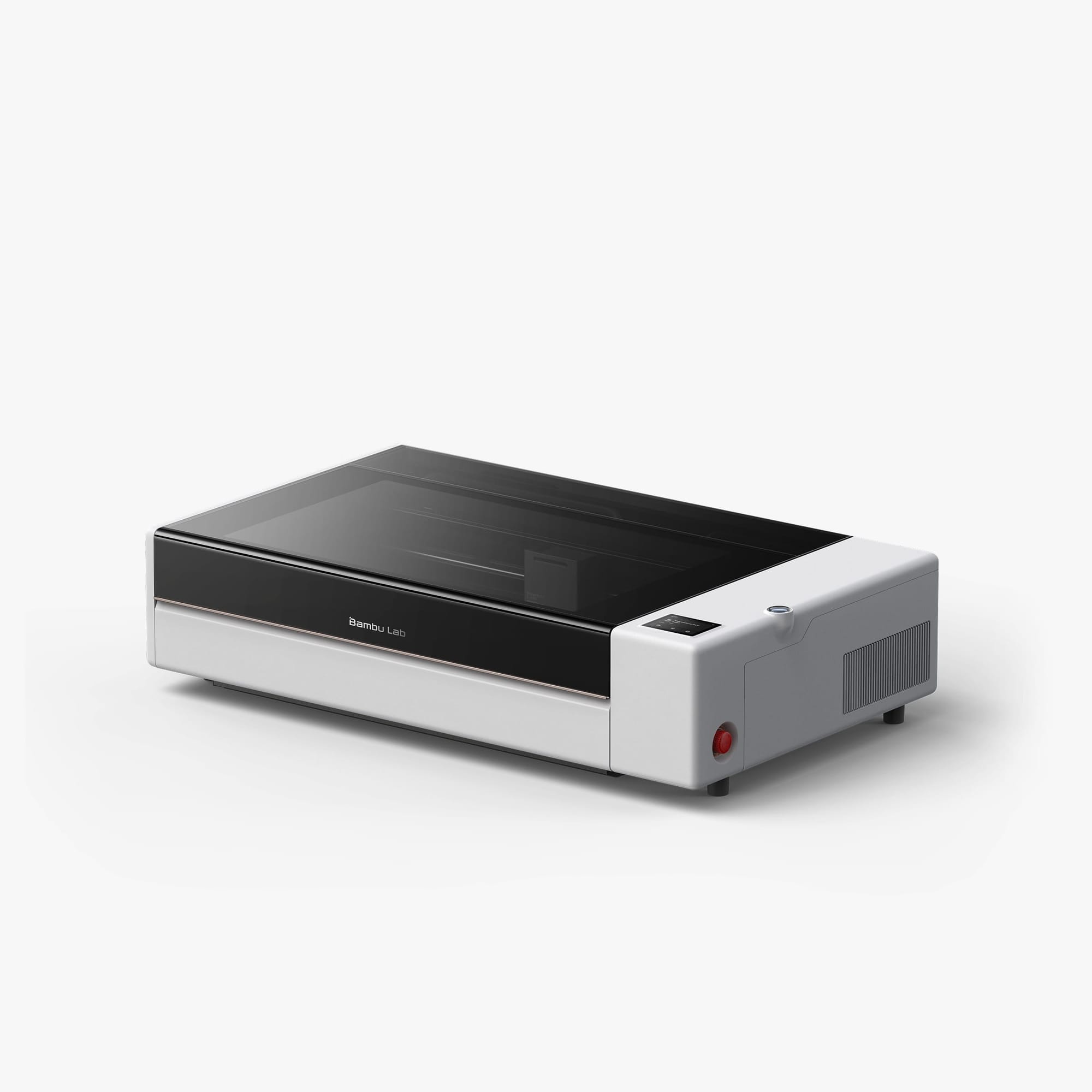
The Bambu Lab R1 is a 55W CO2 laser cutter with a 600 × 300 mm work area, expandable to 600 × 3,000 mm with an optional conveyor. What sets it apart is the automation: one-button optical path calibration, BirdsEye camera for remote positioning, and Bambu Suite software that 3D printer owners already know.
It cuts 18 mm walnut and 20 mm acrylic in a single pass. Class 1 safety means no goggles needed during enclosed operation. At $2,499, it undercuts most 55W CO2 machines by $500+.
Best for: 3D printing hobbyists expanding into laser work. If you already use a Bambu Lab printer, the software ecosystem is identical.
xTool P2S (~$2,999): Best for Creative Professionals
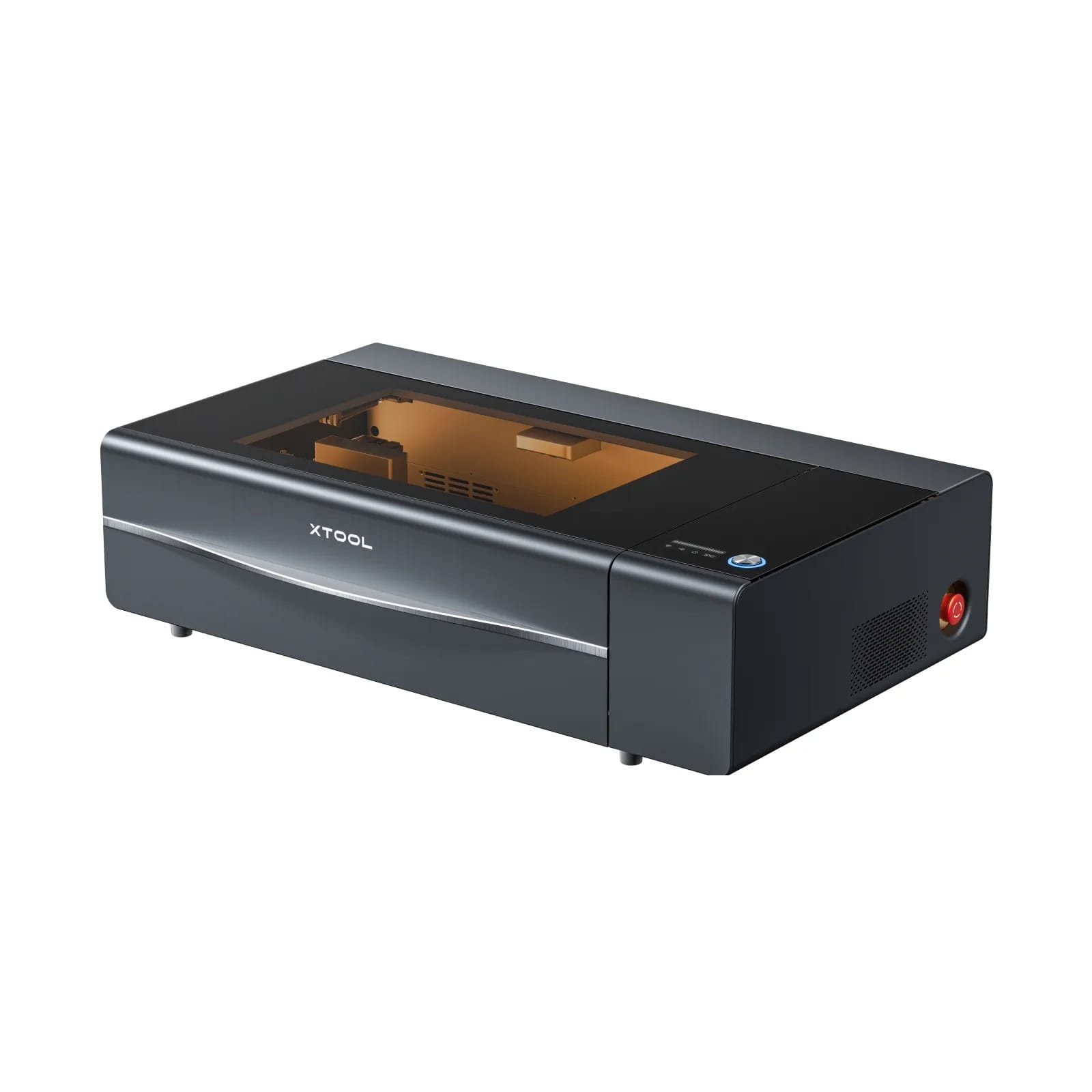
The P2S offers a 55W CO2 laser with a 600 × 305 mm work area, dual 16MP cameras for 0.3 mm placement accuracy, and auto-passthrough for stock up to 118 inches. It supports both XCS (xTool's free software) and LightBurn.
Best for: Etsy sellers and craft studios that need precise camera alignment for batch work on irregular items like tumblers and cutting boards.
OMTech Polar Lite (~$2,199): Best Value
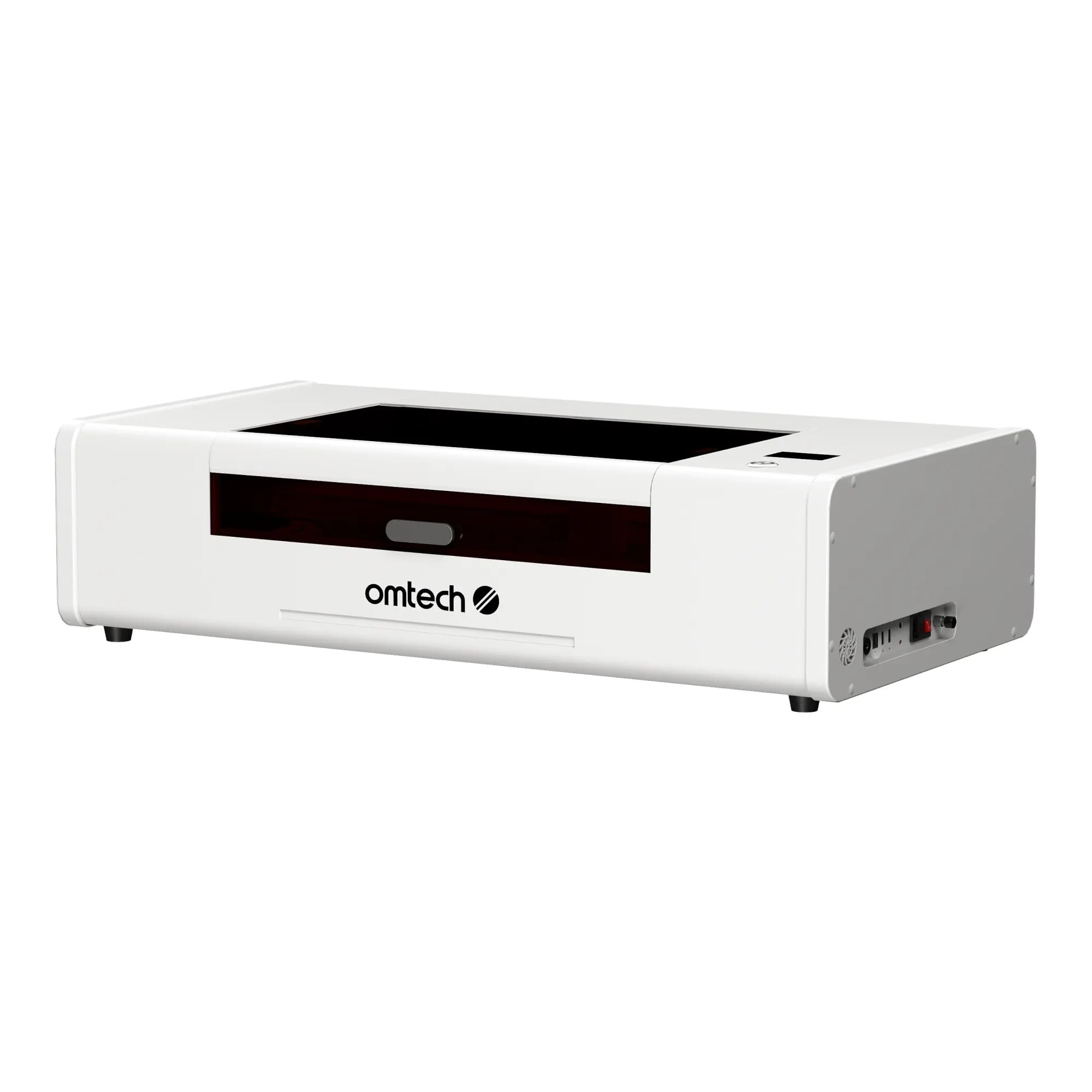
The Polar Lite delivers 55W CO2 power in a 500 × 300 mm work area at the lowest price in this class. It runs LightBurn natively and includes a rotary attachment. Fewer smart features than the R1 or P2S, but rock-solid cutting performance.
Best for: Budget-conscious buyers who are comfortable with LightBurn and don't need camera-guided placement.
| Feature | R1 | P2S | Polar Lite |
|---|---|---|---|
| Power | 55W | 55W | 55W |
| Work Area | 600 × 300 mm | 600 × 305 mm | 500 × 300 mm |
| Price | $2,499 | ~$2,999 | ~$2,199 |
| Software | Bambu Suite | XCS / LightBurn | LightBurn |
| Camera | BirdsEye | Dual 16MP | Basic |
| Best For | 3D printer owners | Creative studios | Budget buyers |
Total Cost of Owning a CO2 Laser
The sticker price isn't the full picture. Here's what first-year ownership actually looks like:
| Item | Cost |
|---|---|
| Machine | $2,000–$5,000 |
| Exhaust / air purifier | $200–$800 |
| Materials (wood, acrylic, leather) | $50–100/month |
| CO2 tube replacement (after 6,000–12,000 hours) | $200–$500 |
| Electricity | $5–15/month |
Year-one total: roughly $2,500–$6,500 depending on machine and usage. After that, ongoing costs are $60–120/month. Compare that to how much 3D printing costs and you'll find laser cutting has higher upfront cost but lower per-project cost for production work.
Is a CO2 laser engraver worth it? If you make and sell wood or acrylic products regularly, most owners report breaking even within 3–6 months of Etsy sales. For hobbyists, it's a matter of how often you'd use it.
FAQ
What is the typical cost of a CO2 laser cutter?
Desktop CO2 laser cutters range from $1,500 to $7,000. The sweet spot for beginners is $2,200–$3,000, where you get 55W power, a 600 mm work area, and enclosed Class 1 safety. The best CO2 laser in this range is the Bambu Lab R1 at $2,499.
What is the best CO2 laser engraver for beginners?
The Bambu Lab R1 for ease of use and automation, or the OMTech Polar Lite for the lowest entry price. Both are 55W and handle the same materials.
What can a CO2 laser not cut?
Bare metal (needs a fiber laser), PVC or vinyl (releases toxic chlorine gas), polycarbonate (burns and discolors), and ABS (toxic fumes). Always check material safety data before cutting anything new.
Is a CO2 laser engraver worth it?
Yes, if you regularly work with wood, acrylic, or leather. A single custom cutting board sells for $30–60 on Etsy, and material cost is under $5. For hobbyists who only cut occasionally, a diode laser may be enough.